

IP Communications and Public Address
Connect voice, intercom and paging.
Network-based voice, intercom and public-address systems.
Representative equipment. Products are selected for each project.
The problem
Separate communication systems can be harder to manage and support.
What we do
We check the network and connect the selected communication equipment through supported interfaces.
Handsets, speakers and door stations connect to the data network rather than to separate cabling, and paging zones can cover several buildings.
What it can do
What it helps you do
What it can support, depending on the systems included in the final design.
- Voice, intercom and paging
- Runs on existing network
- Security system integration
Where it gets used
Typical places for this technology. The final design depends on your site and the systems already in place.
- Campus and facility-wide paging
- Emergency notification and mass alerting
- IP intercom for access points
- Unified voice communications across sites
How it connects.
The final design sets out which systems are included and how they connect.
Solutions 1

Services 4
Industries 4
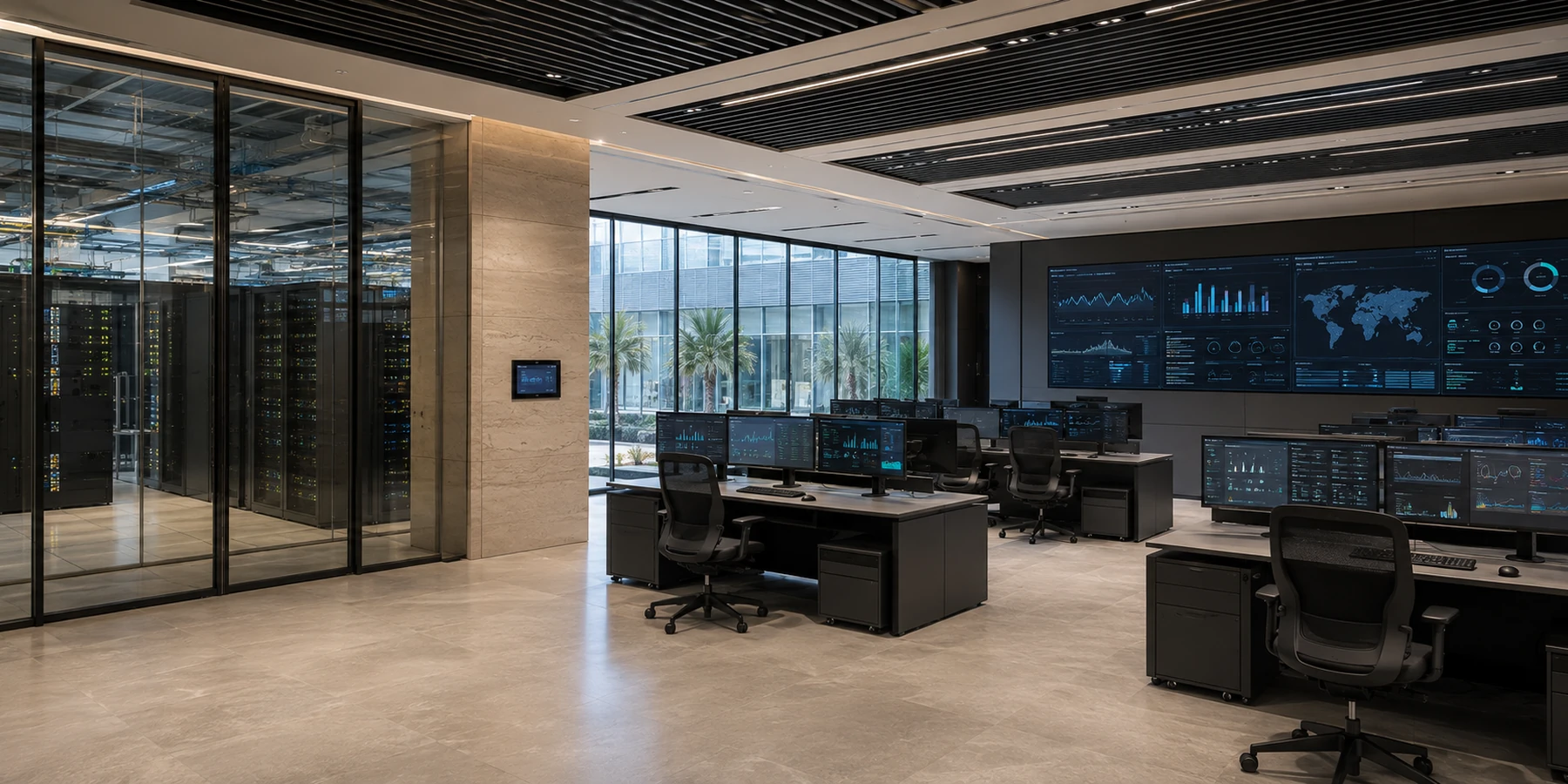







From planning to ongoing support.
 01
Discover
We review your systems, needs and site conditions.
 02
Design
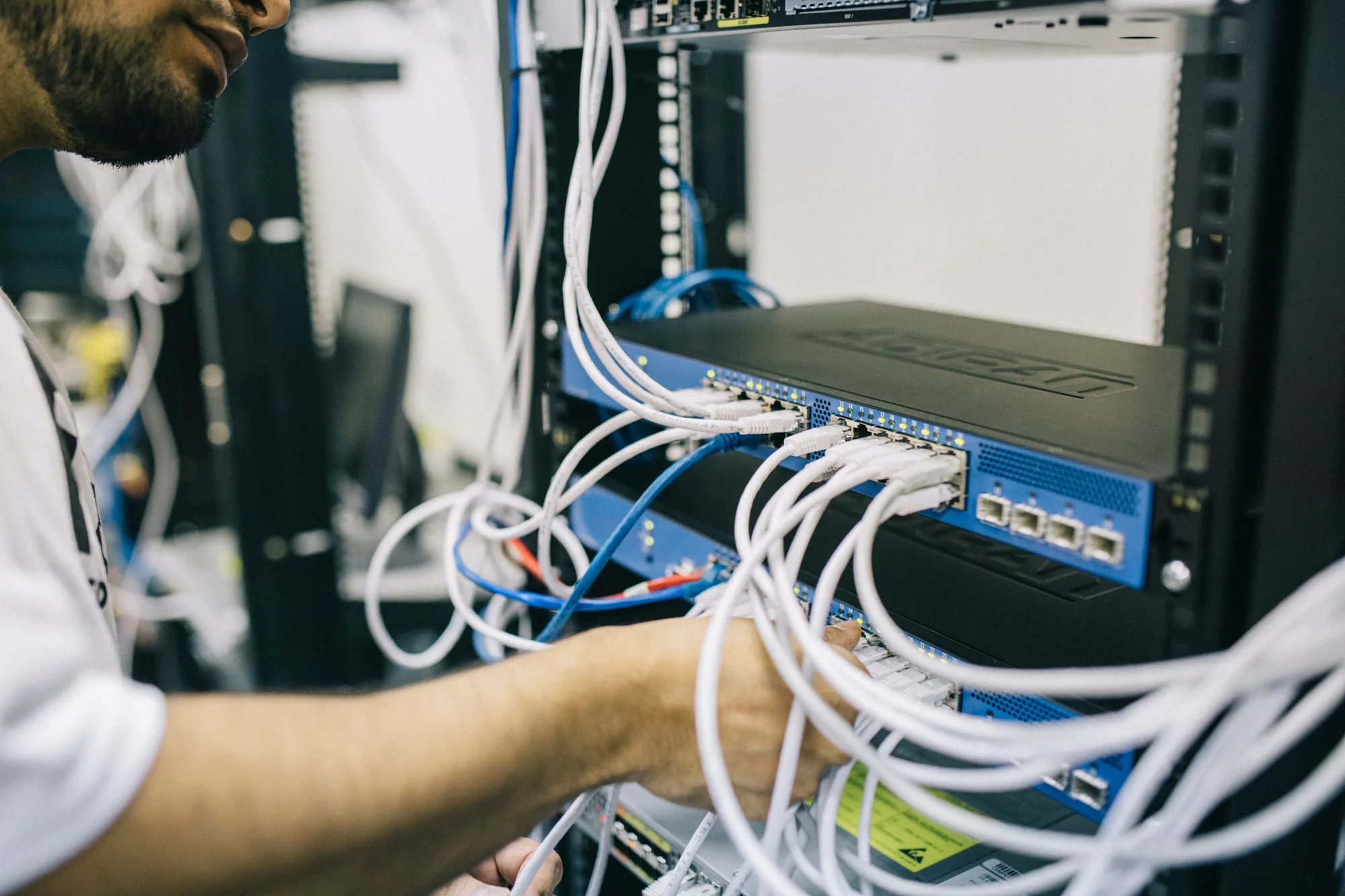
We select the technology and design the connections.
 03
Integrate
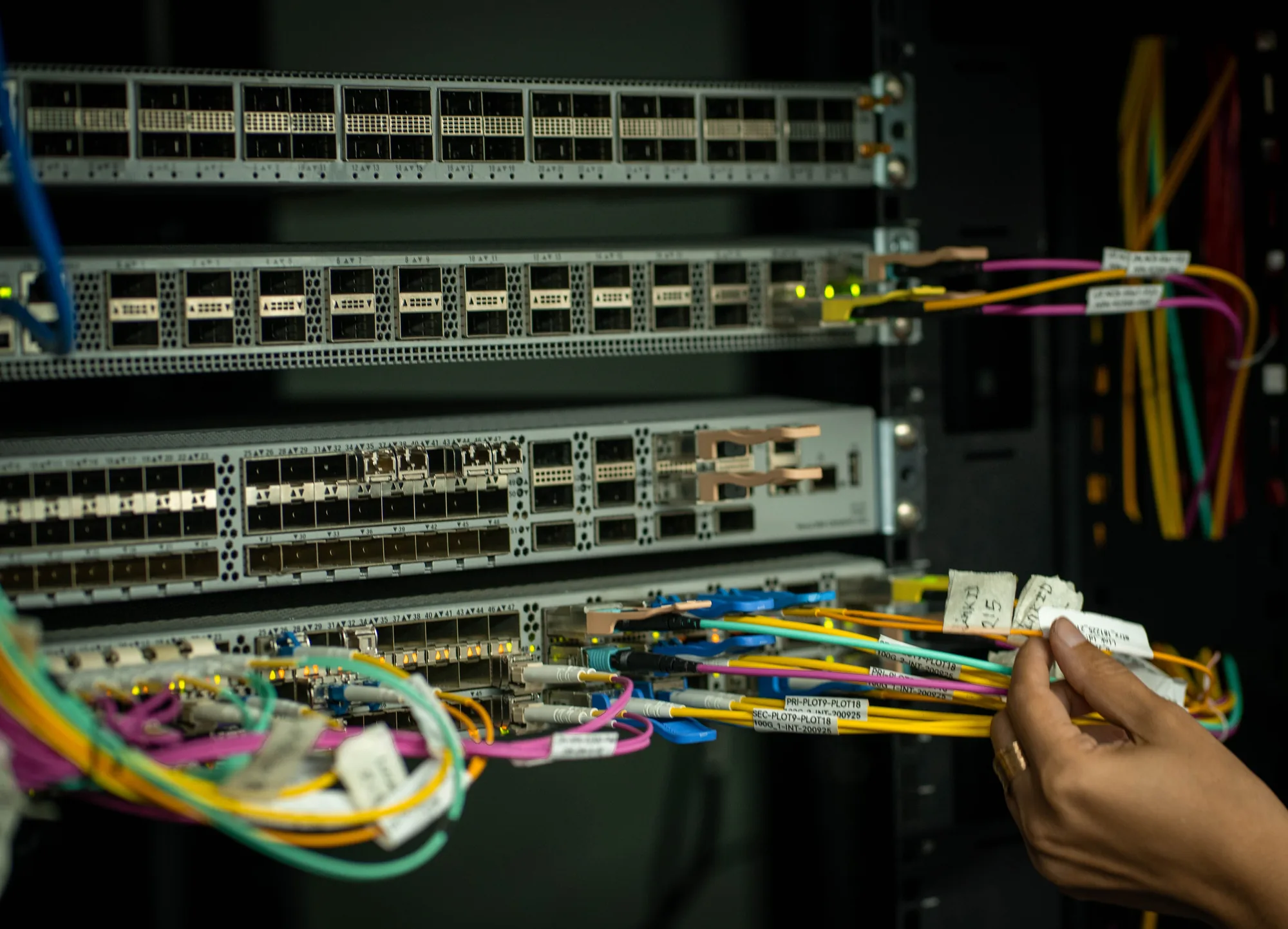
We install, connect and test the selected systems.
 04
Enable
We check the results, train users and hand over the system.
 05
Support
We provide the monitoring and maintenance included in your support agreement.